
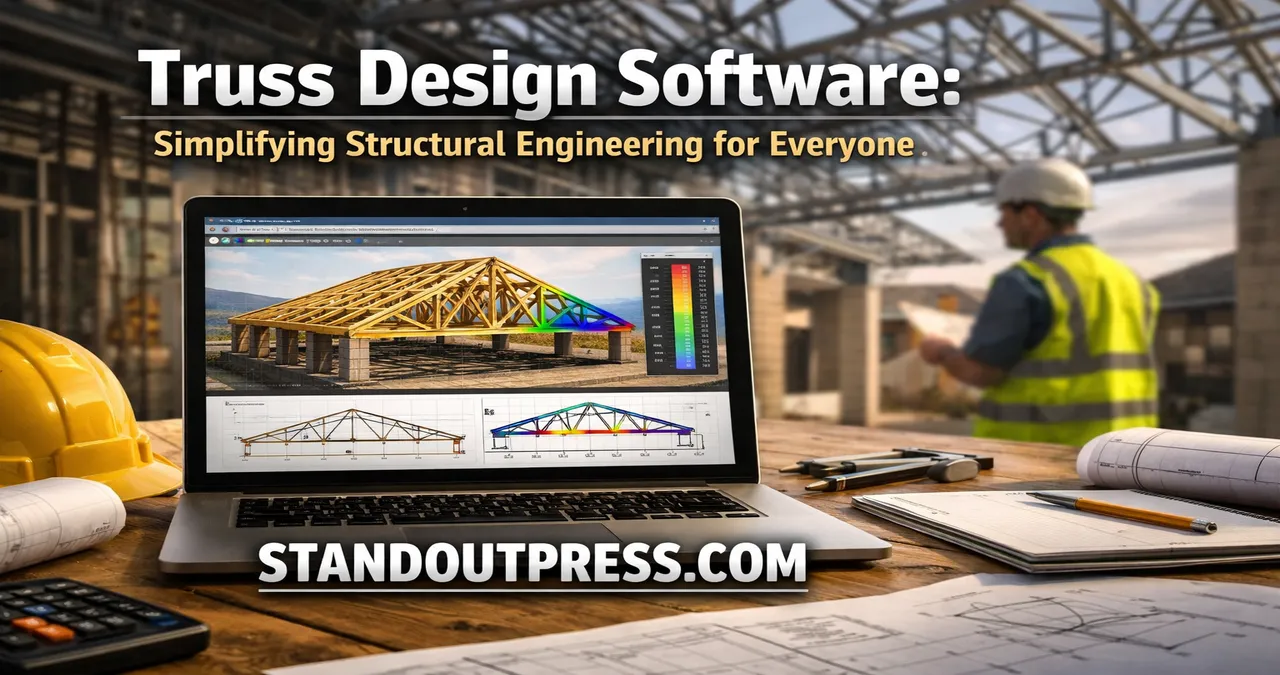
Discover how truss design software simplifies structural design, enhances precision, and saves time for engineers, architects, and builders with easy-to-use tools.
Introduction to Truss Design Software
In the world of construction and structural engineering, precision is everything. Even the smallest miscalculation can lead to structural failures or inefficiencies. That’s where truss design software comes in. It has revolutionized the way engineers and architects approach building structures, particularly when it comes to designing trusses for roofs, bridges, and other frameworks.
Trusses are the backbone of many structures. Their design involves a delicate balance between material strength, geometry, and load distribution. Traditionally, engineers relied on manual calculations and drawings, which were time-consuming and prone to errors. Today, specialized software can handle these calculations in seconds, providing accurate results and detailed visualizations. This not only streamlines the design process but also ensures safety and cost-effectiveness.
What is Truss Design Software?
Truss design software is a specialized tool that allows engineers to design, analyze, and optimize truss structures. It integrates principles of structural engineering, material science, and geometry into an intuitive platform. The software enables users to input design parameters, loads, and material types, then generates a complete analysis of stresses, deflections, and support reactions.
At its core, this software bridges the gap between traditional engineering knowledge and modern computational power. Instead of relying on tedious hand calculations, engineers can focus on creative solutions and innovation. Moreover, the software often comes with 3D modeling features, allowing users to visualize the truss in realistic simulations.
A significant advantage of using truss design software is its ability to detect potential failures before construction begins. By simulating different loading conditions, engineers can identify weak points, reduce material wastage, and optimize the overall design. This ensures both economic efficiency and structural integrity.
Key Features of Truss Design Software
Truss design software comes with a variety of features tailored to meet the needs of engineers, architects, and construction professionals. Here are some of the most essential features:
- Automated Calculations: The software can perform complex calculations such as bending moments, shear forces, and deflection analyses in seconds. This reduces human error and saves valuable time.
- Material Optimization: Many platforms provide suggestions for optimal material use, ensuring both strength and cost-effectiveness. Users can test different materials and thicknesses virtually before committing to actual construction.
- Load Analysis: Engineers can simulate live, dead, and environmental loads, including wind and snow, to determine how a truss will behave under various conditions. This ensures safety and compliance with engineering standards.
- 3D Visualization: Modern software offers realistic 3D models of trusses, allowing users to rotate, zoom, and inspect every joint and member. This visual feedback helps in identifying design flaws early.
- Integration with CAD: Some software can export truss designs directly to CAD platforms, enabling seamless collaboration between design and drafting teams.
These features make truss design software not just a tool, but an indispensable part of modern construction workflows. Engineers can iterate multiple design options quickly, improving both creativity and efficiency.
Benefits of Using Truss Design Software
Adopting truss design software can transform the workflow of any structural engineering project. Here are some notable benefits:
- Accuracy and Precision: By eliminating manual errors, engineers achieve more reliable results. The software can handle complex load calculations that would otherwise take hours to complete manually.
- Time Efficiency: Truss design software significantly reduces the time required for design, analysis, and documentation. This speeds up project timelines and allows for faster decision-making.
- Cost Reduction: Optimizing material usage not only strengthens the structure but also lowers material costs. Early detection of design flaws prevents expensive modifications during construction.
- Enhanced Collaboration: Cloud-based platforms allow teams to share designs in real-time. Architects, engineers, and builders can work together seamlessly, reducing miscommunication.
- Improved Safety: Simulating real-world conditions ensures that the truss can withstand various stresses and environmental challenges, enhancing structural safety.
In short, truss design software doesn’t just simplify calculations; it elevates the entire construction process, from conceptual design to the final structure.
Types of Truss Design Software
The market offers various types of truss design software, each catering to specific needs. Some popular categories include:
1. Standalone Truss Software
Standalone software focuses solely on truss design. These programs are ideal for engineers who need a specialized tool for roofs, bridges, and other truss-based structures. They often come with detailed load analysis and optimization features.
2. CAD-Integrated Truss Software
Some truss design programs integrate directly with CAD platforms, allowing for seamless drafting and design. This is particularly useful for architects and designers who want to incorporate trusses into larger building plans without switching between tools.
3. Cloud-Based Truss Design Platforms
Cloud-based solutions enable real-time collaboration. Multiple team members can access, modify, and review designs simultaneously, making them perfect for large-scale projects with distributed teams.
4. Multi-Purpose Structural Software
Certain platforms combine truss design with other structural analysis tools, allowing engineers to work on beams, columns, and slabs alongside trusses. This provides a comprehensive solution for complex projects.
Each type of software has its advantages depending on the scale, complexity, and collaborative needs of the project. Engineers often choose based on features, usability, and integration capabilities.
How Truss Design Software Works
Understanding how truss design software works can help users maximize its potential. The process generally involves several key steps:
- Inputting Parameters: Users define the geometry of the truss, material properties, and load conditions. This includes specifying spans, member dimensions, and support types.
- Structural Analysis: The software applies principles of statics and mechanics to analyze the truss. It calculates internal forces, moments, and deflections for each member.
- Optimization: Many programs suggest ways to reduce material use while maintaining strength. This may involve adjusting member sizes or altering the truss layout.
- Visualization: 3D models and simulation features allow users to inspect the truss under different conditions, checking for deflection, stress concentration, or instability.
- Documentation: The final output usually includes detailed drawings, material lists, and calculation reports, ready for submission or construction.
By automating these steps, engineers can focus on creative design and practical problem-solving rather than manual calculations.
Practical Applications of Truss Design Software
Truss design software is not just theoretical; it has a wide range of real-world applications:
- Residential Construction: Roof trusses for houses can be designed more efficiently, ensuring both aesthetic appeal and structural integrity.
- Commercial Buildings: Large spans in warehouses or office buildings benefit from optimized truss designs, reducing material costs while maintaining safety.
- Bridges: Truss design software allows civil engineers to model bridge trusses accurately, simulating heavy loads and environmental conditions.
- Industrial Structures: Factories, storage facilities, and hangars often rely on complex truss systems, which can be designed and optimized using specialized software.
The versatility of truss design software makes it valuable across multiple sectors, reducing risk and increasing efficiency in construction projects of all scales.
Key Considerations When Choosing Truss Design Software
Selecting the right truss design software requires careful evaluation of several factors:
- Ease of Use: A user-friendly interface allows both beginners and experienced engineers to work efficiently without steep learning curves.
- Accuracy and Reliability: Software should comply with engineering standards and provide precise calculations. Look for platforms with a proven track record in structural analysis.
- Customization: The ability to adjust materials, spans, and load types is essential for tailoring designs to specific projects.
- Support and Updates: Active customer support and regular software updates ensure the tool remains compatible with the latest industry standards.
- Cost: While some software offers free basic versions, advanced features may require paid licenses. Consider your budget relative to the features you need.
Careful consideration ensures that the chosen software not only meets technical needs but also fits within project workflows.
Advantages of 3D Modeling in Truss Design
3D modeling is one of the standout features in modern truss design software. Unlike traditional 2D drawings, 3D models provide:
- Realistic Visualization: Designers can rotate and view trusses from any angle, improving spatial understanding.
- Error Detection: Misalignments or design flaws become obvious in 3D models, preventing costly mistakes.
- Enhanced Collaboration: Team members can share 3D designs easily, facilitating better communication with clients and construction teams.
- Integration with BIM: Many 3D models can be imported into Building Information Modeling (BIM) software, supporting comprehensive project planning.
The visual clarity provided by 3D modeling bridges the gap between conceptual design and practical implementation.
Challenges in Truss Design and How Software Solves Them
Designing trusses manually is challenging due to the complexity of load calculations, member sizing, and geometric constraints. Common challenges include:
- Complex Load Combinations: Trusses must handle multiple types of loads simultaneously. Manual calculations are tedious and error-prone.
- Material Optimization: Finding the perfect balance between strength and cost requires multiple iterations.
- Visualization Issues: Understanding how each member behaves under load is difficult without simulation.
Truss design software addresses these challenges by automating calculations, optimizing materials, and offering real-time visual feedback. This allows engineers to explore multiple design scenarios quickly and safely.
Table: Comparison of Popular Truss Design Software
| Software Name | Key Features | Ideal Users | Price Range |
|---|---|---|---|
| TrussPro | Load analysis, 3D modeling, optimization | Residential & commercial | Mid-range |
| CADTruss | CAD integration, drawing export | Architects & engineers | High-end |
| SmartTruss Cloud | Cloud collaboration, real-time updates | Large teams & remote projects | Subscription |
| StructureX | Multi-purpose structural analysis | Industrial & civil engineers | Mid to high |
This table provides a quick overview of features, user focus, and pricing, helping professionals select the right software.
Expert Tips for Using Truss Design Software
- Always validate software results with basic hand calculations for critical projects.
- Experiment with different materials and geometries to identify cost-saving opportunities.
- Utilize 3D visualization to communicate ideas to clients and construction teams.
- Keep software updated to ensure compliance with current engineering standards.
- Explore tutorials and community forums for advanced tips and tricks.
Common Mistakes to Avoid
- Overloading members without checking software warnings.
- Ignoring environmental factors like wind or snow loads.
- Relying solely on default material settings without optimization.
- Failing to double-check dimensions and connections in exported CAD drawings.
By avoiding these mistakes, engineers can fully leverage the potential of truss design software.
Quotes from Industry Experts
“Truss design software has changed the way we approach structural engineering. It allows us to innovate faster without compromising safety.” – Senior Structural Engineer
“Using software for truss analysis reduces errors and gives clients confidence in the integrity of our designs.” – Architect
FAQs About Truss Design Software
Q: Is truss design software suitable for beginners?
A: Yes, many platforms are designed with intuitive interfaces that beginners can learn quickly, while still offering advanced features for experts.
Q: Can truss design software handle environmental loads?
A: Absolutely. Most software can simulate wind, snow, and seismic loads to ensure accurate stress analysis.
Q: Do I need to know CAD to use truss design software?
A: Not always. While CAD integration is useful, standalone truss design software can function independently with its built-in tools.
Q: How does 3D modeling help in truss design?
A: 3D modeling provides realistic visualization, identifies design flaws early, and facilitates collaboration with team members and clients.
Q: Is the software expensive?
A: Prices vary. Some basic software is free or affordable, while advanced platforms with extensive features may require subscriptions or one-time payments.
Conclusion
Truss design software is a game-changer in structural engineering. It simplifies complex calculations, optimizes material usage, and provides clear visualizations, all while saving time and reducing costs. Whether you are designing residential roofs, commercial spaces, or large industrial structures, using the right truss design software ensures accuracy, safety, and efficiency. By embracing this technology, engineers and architects can focus on creativity, innovation, and quality construction.